
Documentation
Guides, tutorials, and reference material to help you learn more about Egret-lang.
Installing Egret
The fastest way to start is the official install script. The current 0.1.3 preview build supports Linux x64, Linux ARM64, and MacOS ARM64.
Official Egret Documentation
The official documentation entry points below cover installation, release notes, AI coding support, and the source repositories behind the current preview release.
Getting Started
Start with installation, then build a tiny hello world program, and finally move on to package-based projects with egret.toml.
Manuals / Books
Beginner
New users should begin with installation, the hello world example, and the AI Coding section to understand how Egret works with modern coding agents.
Intermediate
After that, focus on package projects, norm/impl abstractions, async tasks, and the standard library modules used in real programs.
Expert
Advanced readers can dig into the compiler repository, verification workflow, and release engineering details around installation, testing, and project structure.
Community Documentation
Egret-lang is still early, so community-facing documentation currently lives across the official homepage, the release repository, and the AI skills repository.
Style Guides
Egret projects currently favor four-space indentation, explicit naming, clear module boundaries, and source comments that help both humans and AI agents understand engineering intent.
Editors and IDEs
You can edit Egret in any plain-text editor today. The most practical setup is an editor with syntax highlighting, shell integration, and easy access to build commands and repository documentation.
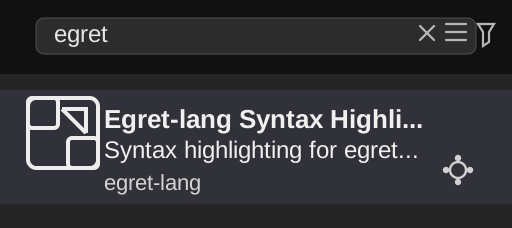
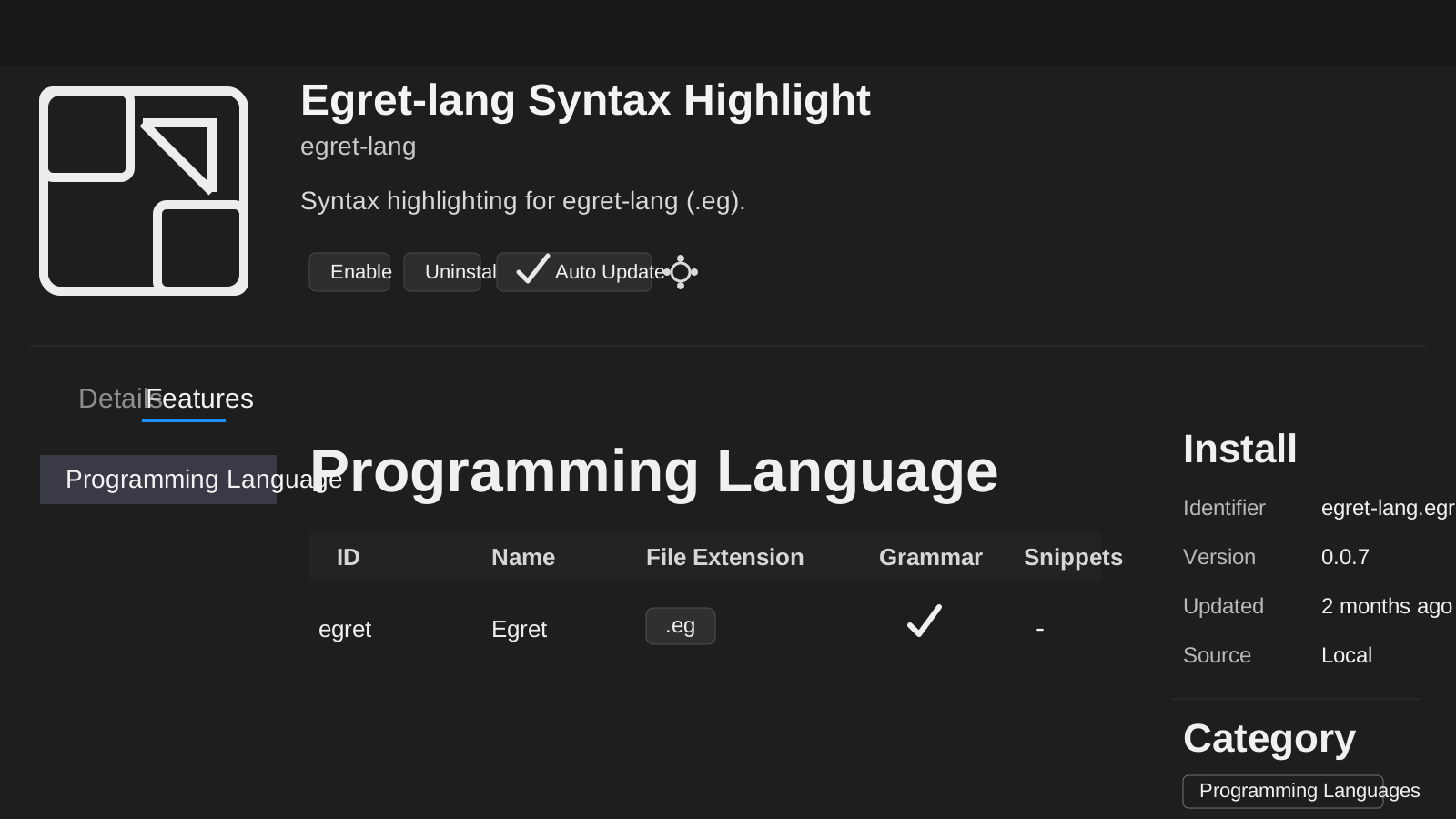
The official egret-lang team has already released the VSCode extension Egret-lang Syntax Highlight. In VSCode, open Extensions, search for egret, and install it to get egret-lang syntax highlighting right away.
Older Reading / Resources
If you want more implementation detail, read the release notes, the install script, and the repositories that hold the compiler, release assets, and AI coding skills.
What's Egret
Egret-lang is a new AI-era language designed around strong typing, clear abstractions, async concurrency, engineering-oriented verification, and source code that can carry AI-readable intent.
Egret in Twenty Minutes
A practical first session is: install Egret, compile a hello world program, read the package project example, then browse the latest release notes and AI Coding references.
Egret from Other Languages
If you already know another language, the easiest way to approach Egret is by mapping what you already understand to Egret's stronger engineering boundaries and AI-friendly source structure.
To Egret From C and C++
Expect simpler memory management, stronger high-level boundaries, and a workflow that leans more on package structure and diagnostics than on manual lifetime control.
To Egret From Java
Think of Egret as a smaller language core with explicit compilation, native binaries, and first-class support for engineering-oriented constraints in source code.
To Egret From Python
Expect stricter types, earlier feedback from the compiler, and a more structured path from scripts to package-based applications.
To Egret From Rust
Expect a more lightweight model around safety and ownership, with a focus on practical engineering constraints instead of Rust-level ownership mechanics.
FAQ
Egret is currently in preview. The best starting points are the install page, the latest release notes, and the skills repository for AI coding workflows.